How to manage leads on WhatsApp: a step-by-step guide
Stop losing leads in WhatsApp chats. Learn how to capture, organise and follow up WhatsApp leads using a CRM, with practical steps for sales teams.
WhatsApp is where many customers in India start a conversation with a business. It is fast and personal — and it is also where leads get lost. Chats scroll out of view, sit on one salesperson’s phone, or never get a follow-up.
This guide shows how to capture, organise and follow up WhatsApp leads so every conversation has an owner and a next step.
Why WhatsApp leads get lost
- Chats on personal phones. When conversations live on individual phones, managers cannot see them and history leaves when people do.
- No owner. In a shared phone or group, everyone assumes someone else will reply.
- No follow-up reminder. A chat that goes quiet disappears from the top of the list and is forgotten.
- No lead record. Budget, requirements and stage are buried in the chat instead of recorded.
- Late first reply. Without alerts, new chats wait until someone happens to check.
- No reporting. You cannot tell how many WhatsApp enquiries you got or how many converted.
Step 2: Turn every chat into a lead with an owner
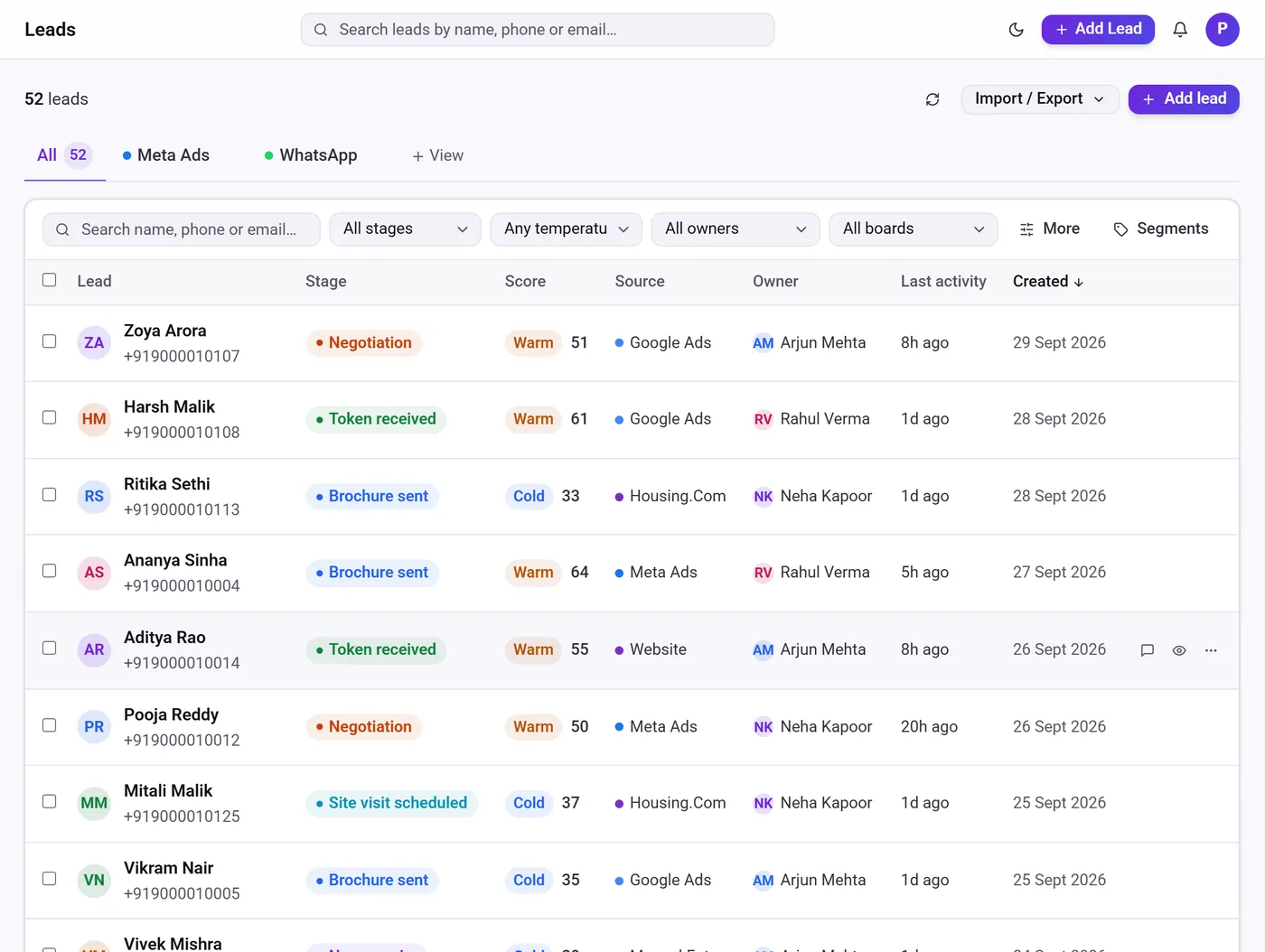
Each new conversation should become a lead with a name, a source and an owner. Some tools create leads automatically for chats that start from an ad and let you create the rest with one click. Assign owners by rotation or workload so the first reply is never left to chance.
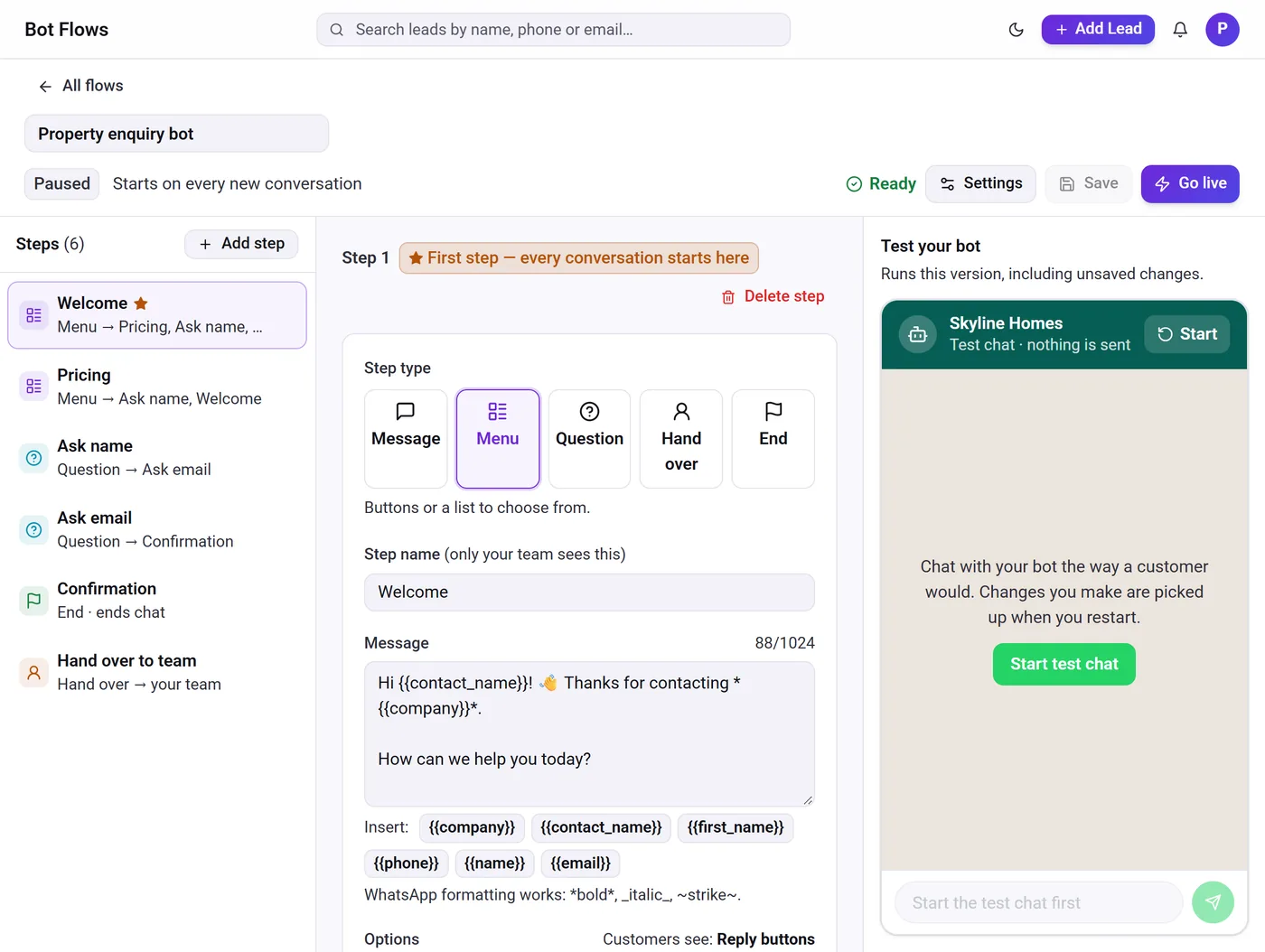
Record what matters on the lead — requirement, budget, location — rather than leaving it in the chat. A simple bot can ask these questions before a person replies and save the answers.
Step 3: Schedule the next follow-up before you leave the chat
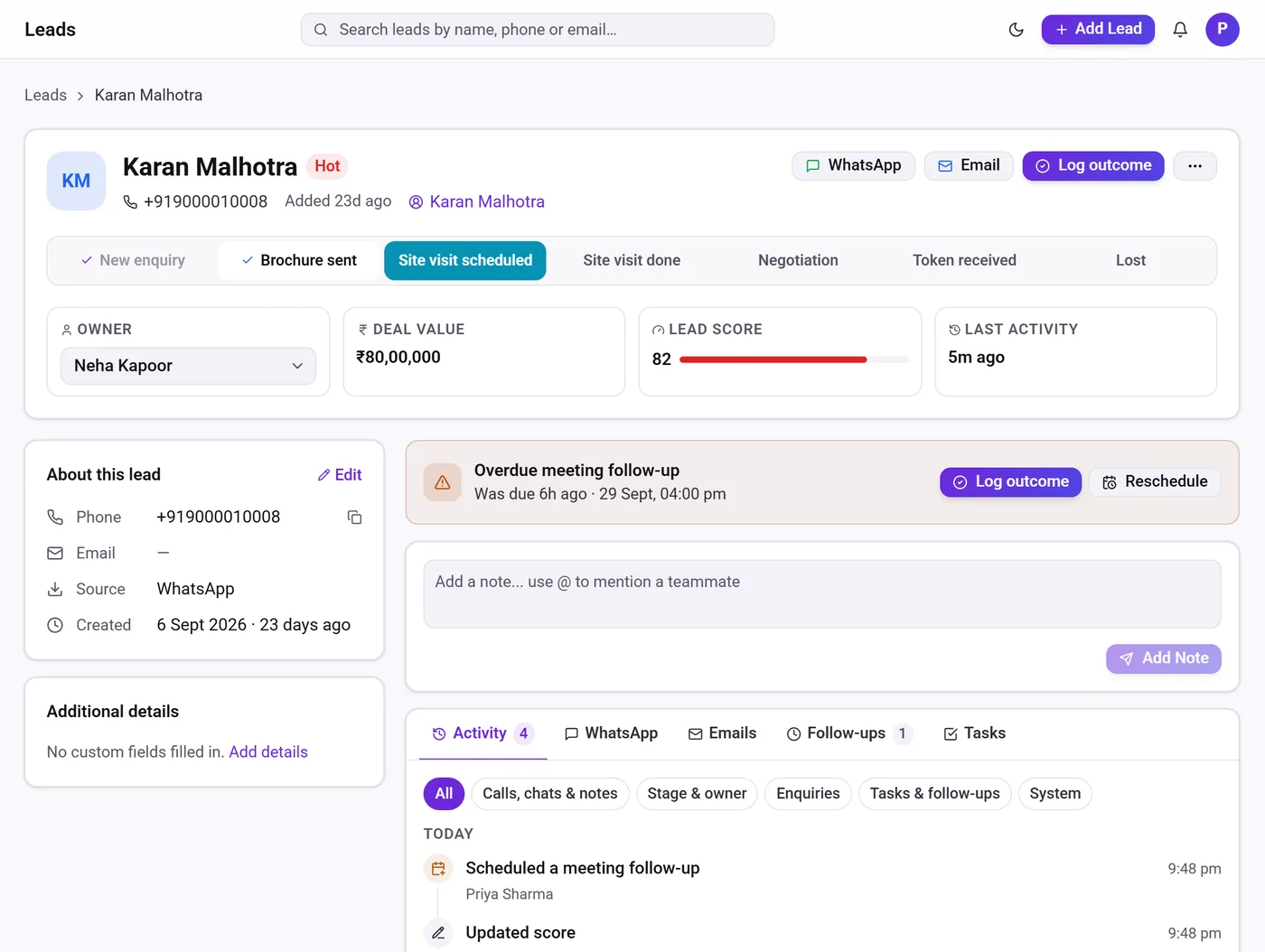
The single most useful habit is to set the next follow-up at the end of every conversation: a call tomorrow, a WhatsApp check-in on Friday, a meeting next week. A CRM then brings overdue follow-ups back to the top of each person’s list.
Remember the 24-hour rule: businesses can reply freely within 24 hours of the customer’s last message; after that, only approved templates can be sent. Plan follow-ups with that in mind.
- Set a follow-up after every conversation
- Use approved templates after 24 hours
- Review overdue follow-ups every morning
Step 4: Track stages and measure results
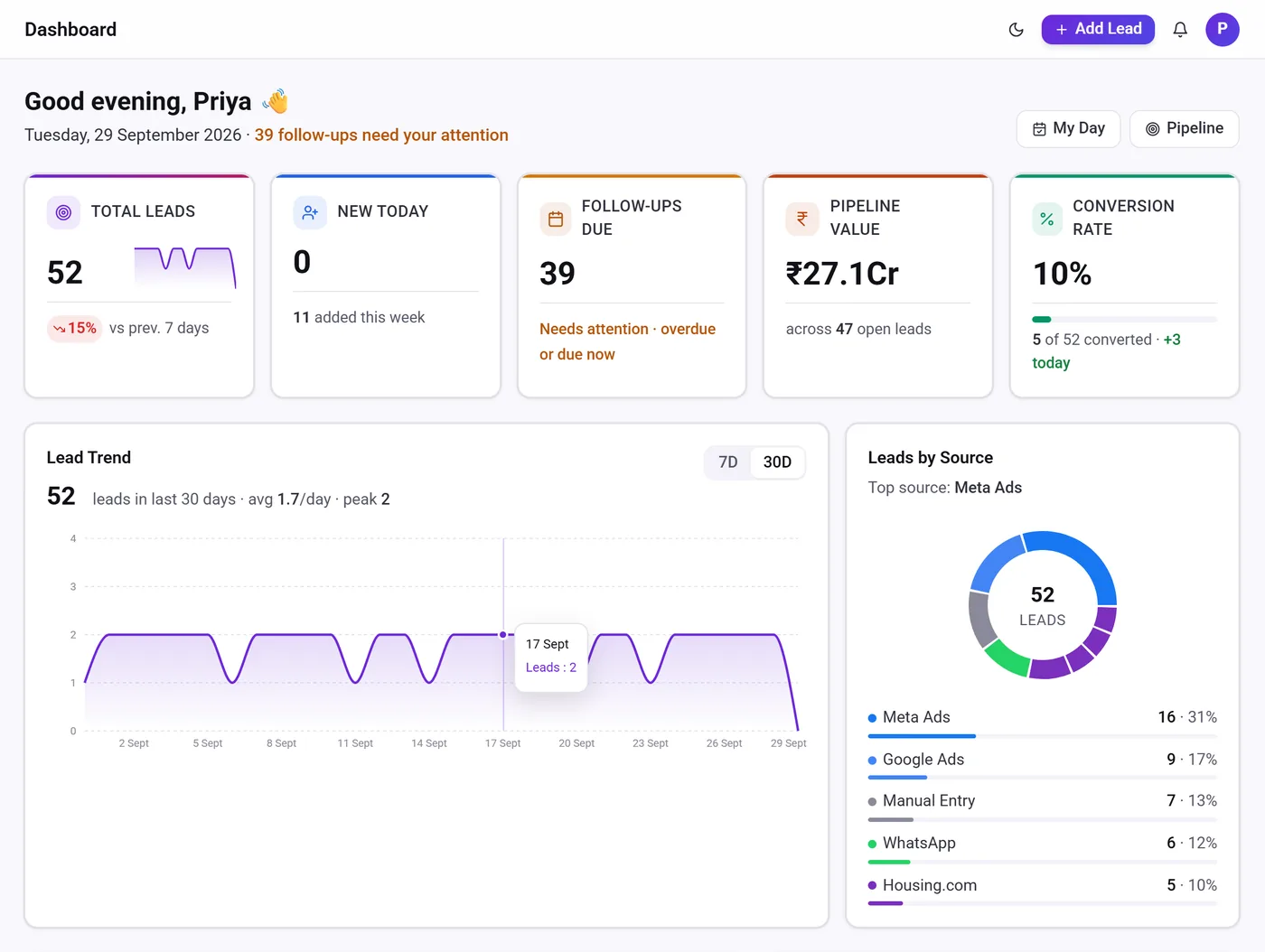
Move WhatsApp leads through the same pipeline as your other leads so you can see what is working. Measure first-reply time, how many WhatsApp enquiries convert, and which ads bring the best conversations. Tools like Telemantix put WhatsApp inside the CRM, so these numbers come from the same place as the rest of your sales data.
A daily routine for WhatsApp leads
- MorningClear new chats and overdue follow-ups first.
- During the dayReply within minutes, update the lead and set the next follow-up.
- End of dayCheck that every open chat has an owner and a next step.
- WeeklyReview conversion from WhatsApp and adjust your bot and templates.
Frequently asked questions
Can several people use one WhatsApp business number?
Yes, with the WhatsApp Business Platform and a shared inbox. Personal and standard app accounts are designed for one person or device group.
What is the 24-hour window on WhatsApp?
Businesses can send free-form replies within 24 hours of a customer’s last message. After that, only pre-approved template messages can be sent.
Should I use a WhatsApp bot?
A simple bot helps by replying instantly and collecting basic details, as long as it hands the chat to a person quickly.
How do I measure WhatsApp lead performance?
Track first-reply time, the number of WhatsApp leads, and how many move to won in your pipeline.